


A welcome video gives new hires a personal introduction to your company, team, and culture before they start. It helps replace uncertainty with excitement, reinforces their decision to join, and makes the preboarding experience feel more human.
Use your video to introduce company leaders, share what makes your workplace special, explain what new hires can expect, or simply say, “We’re excited to have you.”
Add your own video or link to one hosted on YouTube or Vimeo. Charley’s will automatically include it in your preboarding workflow, so every new hire receives a warm and consistent welcome at the right time.
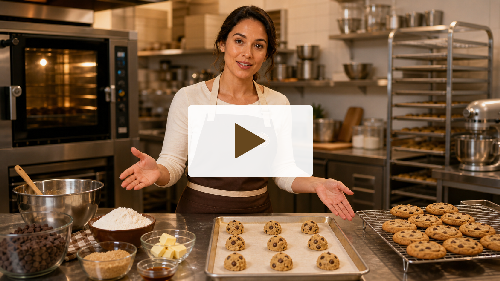
Add role-specific videos to give new hires a clearer picture of what their work will involve. Employers can use this step for a role overview, workplace walkthrough, process demonstration, training session, or any other video they would like the new hire to watch.
Introducing this information during preboarding helps new hires understand expectations, become familiar with their responsibilities, and arrive feeling more confident and prepared.
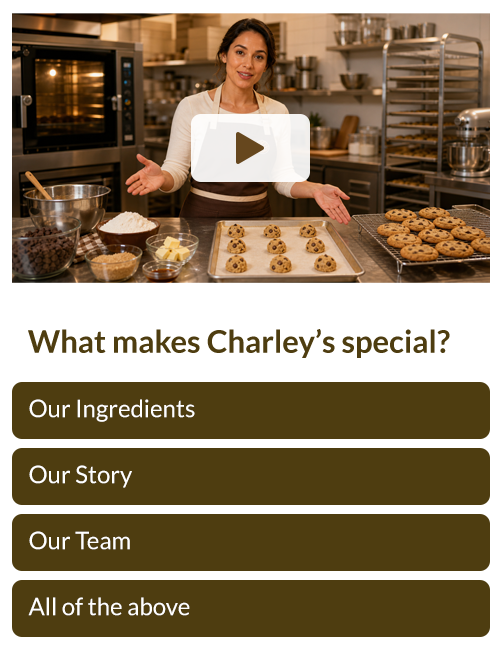
Reinforce learning with video questions
Turn any preboarding video into an interactive learning experience by adding questions that relate to its content. New hires watch the video and answer a series of questions designed to reinforce important processes, expectations, or high-level concepts.
This step helps new hires confirm their understanding, retain key information, and build confidence before they begin their role. Employers can also use it to identify topics that may need additional explanation or training.
For documents they need to keep and reference later — on shift, after day one.
Give new hires a copy of the handbook, safety guide, or reference sheet they'll actually need on the job — saved to their device and confirmed received, so it's there when they need it, not buried in an inbox.

For content you want to make sure actually gets read.
Put your must-know policies right in the flow they're already in — no attachments, no downloads, nothing to lose. They read it, they confirm it, you move on.
For existing PDF assets you don't want to rebuild.
Already got it as a PDF? Drop it in as-is. New hires review it right in the workflow and acknowledge it on the spot — no reformatting, no extra steps for you.

For employer-defined photo requirements — verification, compliance, whatever the role needs documented.
Set your own photo requirement — safety shoes, a vehicle, equipment, anything role-specific — and new hires upload proof during the preboarding process.

For a standardized headshot — profile, badge, directory, ID.
New hires snap or select a headshot — from their camera or photo library — that syncs directly to their HR profile, ready to go from day one.
Food handler cards, safety certifications, licenses — collect the credentials the role requires, uploaded right in preboarding before day one.

Let new hires pick from a custom set of options you define — single- or multi-select, built for anything with a fixed set of answers. Uniform Sizing, Shift Preferences, etc.

Set up a question to collect a number or open text — perfect for anything that doesn't fit a fixed set of options, like a contact number or a quick written answer.

Capture exactly the date info you need: a full year-month-day, just a month and day (like a birthday), or specific weekdays — with multi-select for scheduling needs like availability.
Reinforce what actually matters. Guide new hires through a set of questions on the handbook, a policy, or anything from an earlier step — and don't let them move on until they get it right.
Sometimes you just want to hand something over. Give new hires a document to download and keep — no acknowledgment step, no friction.
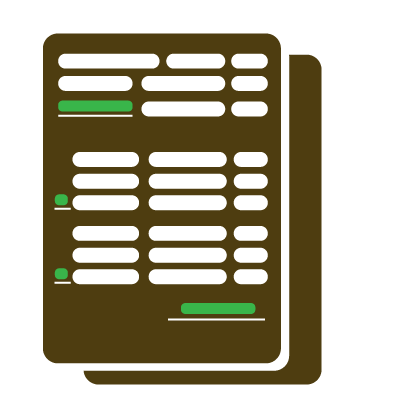
Turn any document into a guided, fillable form. Define exactly which fields new hires complete — text, dates, checkboxes, whatever the document calls for — then walk them through it step by step and collect a signature (or several) at the end. No missed fields, no wrong formats, no messy paperwork.

Capture a legally-minded signature confirming a new hire has read and understood a policy or guideline — stronger proof than a simple acknowledgment tap.
Yes, PreBoard360 is mobile-first. It also has an option to complete onboarding through any web browser.
Yes — different roles, departments, or locations can each have their own sequence of steps. And PreBoard360 handles them all equally providing support for each employee to make it through.
Yes, including guided fillable forms with signature collection at the end.
Yes — the dashboard flags new hires going quiet before they become a no-show.
Yes, existing PDFs can be uploaded as-is and acknowledged directly in any workflow.
Yes — video-based training with interactive quizzes tied to specific content.